Guide
How to choose the best photo for a pet portrait
You don’t need a professional photo to create a lovely portrait. A good phone photo is perfect. These simple tips will help you choose the one that gives the truest likeness.
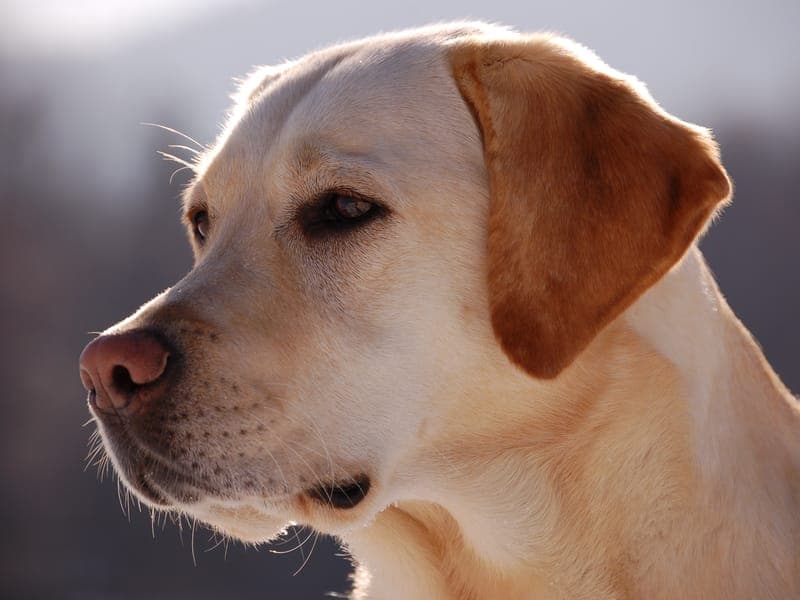
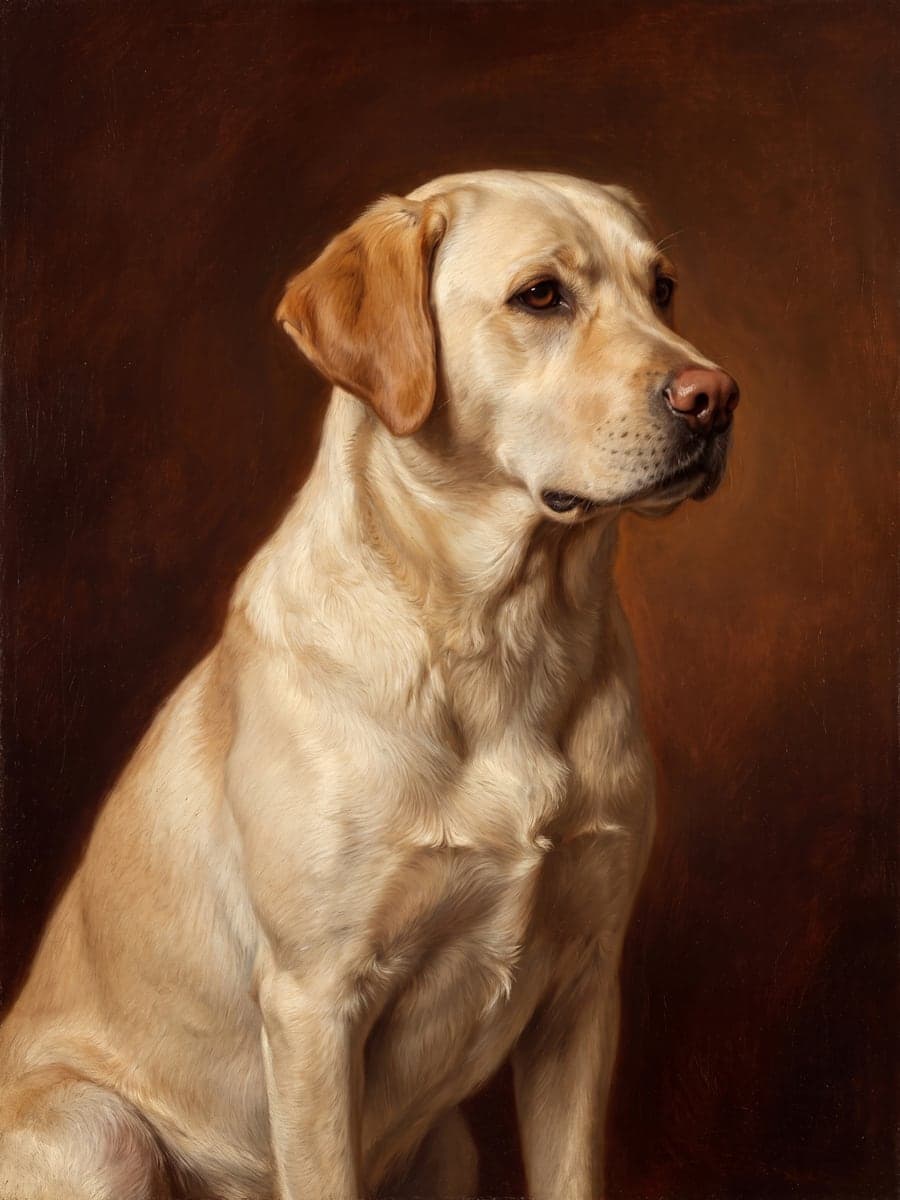
1. Choose a photo where you can see their eyes
The eyes are where a likeness lives. A photo where both eyes are open, clear and catching a little light will give the truest portrait.
2. Look for soft, natural light
Daylight from a window or an overcast day outdoors is ideal. Harsh flash, deep shadow or strong coloured lighting can hide markings and change coat colour.
3. Pick a sharp photo over a perfect pose
A clear, in-focus photo matters more than a formal pose. Zoom in on your phone: if you can see individual hairs around the face, it will work well.
4. Head-on or a gentle three-quarter view
Looking at the camera, or turned slightly to one side, shows the shape of the face and both ears. Side-on profiles work too, especially for the charcoal style.
5. Let their face fill the picture
Photos taken close enough that their face is a good size in the frame give the most detail. You don't need the whole body for a beautiful portrait.
6. Choose the version of them you want to remember
The best photo is often simply the one that feels most like them: the look they gave you, the way they sat. If a photo makes you smile, it is a good place to start.
What if I only have old or blurry photos?
Try your favourite one anyway. Older photos, scans of prints and slightly soft images often still give a lovely portrait. With MyOldFriend you see the portraits before you pay anything, so there is nothing to lose by trying. If you have several photos, start with the sharpest one where their face is clearest.
Photos to avoid if you can
- Very dark photos, or ones where the face is in shadow
- Photos with other animals or people partly covering their face
- Heavy filters that change their colour
- Tiny faces in the distance, or screenshots of screenshots
Found the right photo?
See their portrait in about a minute. It’s free to see, and you only pay if it feels right.